
QLock UI Overhaul - Embracing the Pixel Art Aesthetic
The Need for a Facelift
QLock started as a functional tool—a utility for timed MCQ practice. It did its job well, but visually, it felt a bit... utilitarian. As I continued to use it and build upon it, I realized the interface needed some personality.
old design >
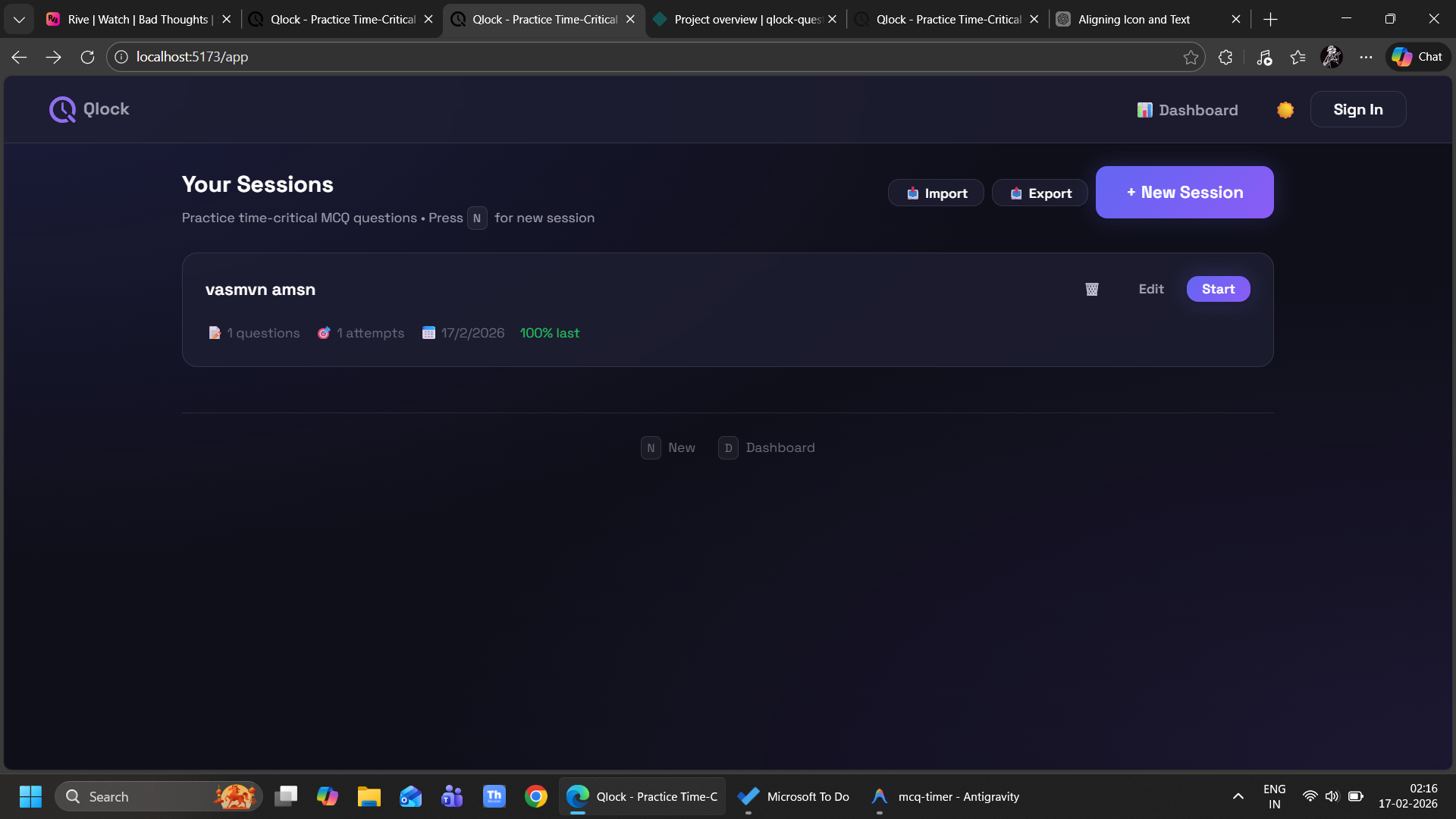
new design >
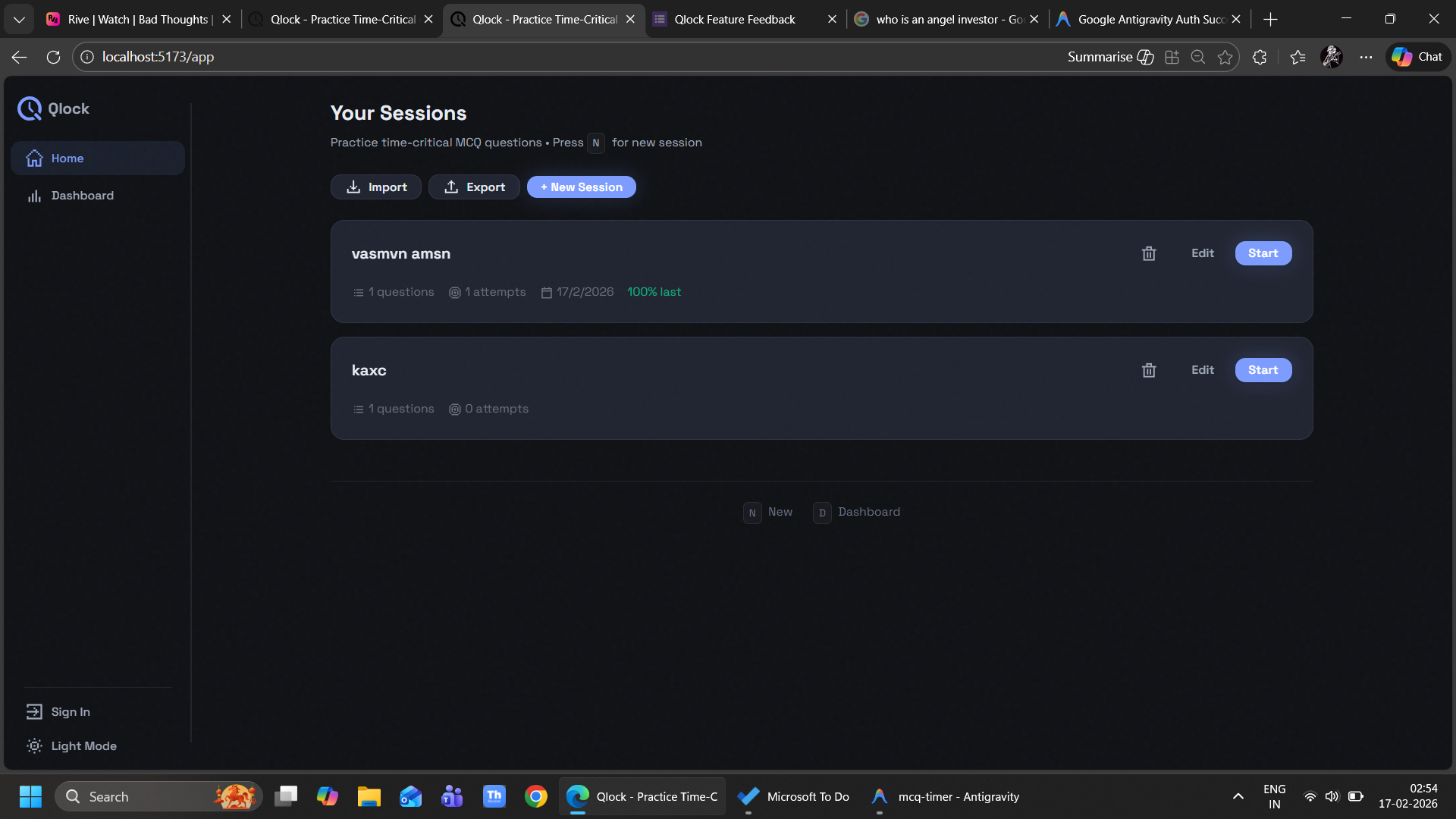
Shifting the Color Scheme
The original color scheme was functional but standard and looked very ai-generated because of thr heavy use of claude 4.5. I wanted something that felt more cohesive, modern and human made, yet retained a bit of retro charm to go with the new direction I was heading. I completely overhauled the palette, moving towards high-contrast, easier-on-the-eyes tones that make long study sessions less straining.
specifically the following palette >

Goodbye Emojis, Hello Pixel Art
One of the biggest changes in this update is the removal of standard emojis. While emojis are easy to use, they often look different across devices and can feel a bit "generic."
I wanted a consistent, retro-tech vibe. That's where pixel art comes in.
To implement this, I integrated @nsmr/pixelart-react.
"dependencies": {
  "@nsmr/pixelart-react": "^2.0.0"
}
This library allowed me to replace the standard emojis with pixelated icons that perfectly match the new aesthetic.
Why Pixel Art?
- Consistency: The icons look exactly the same on every device and browser.
- Aesthetic: It gives the app a distinct "indie game" feel, which can make the potentially stressful task of timed practice feel a bit more engaging.
What's Next?
Adding settings modal to change the background and accent colour to few options to select from
and most importantly
With the visual foundation now solid, I'm looking to add more security measures accross all platforms.
Comments